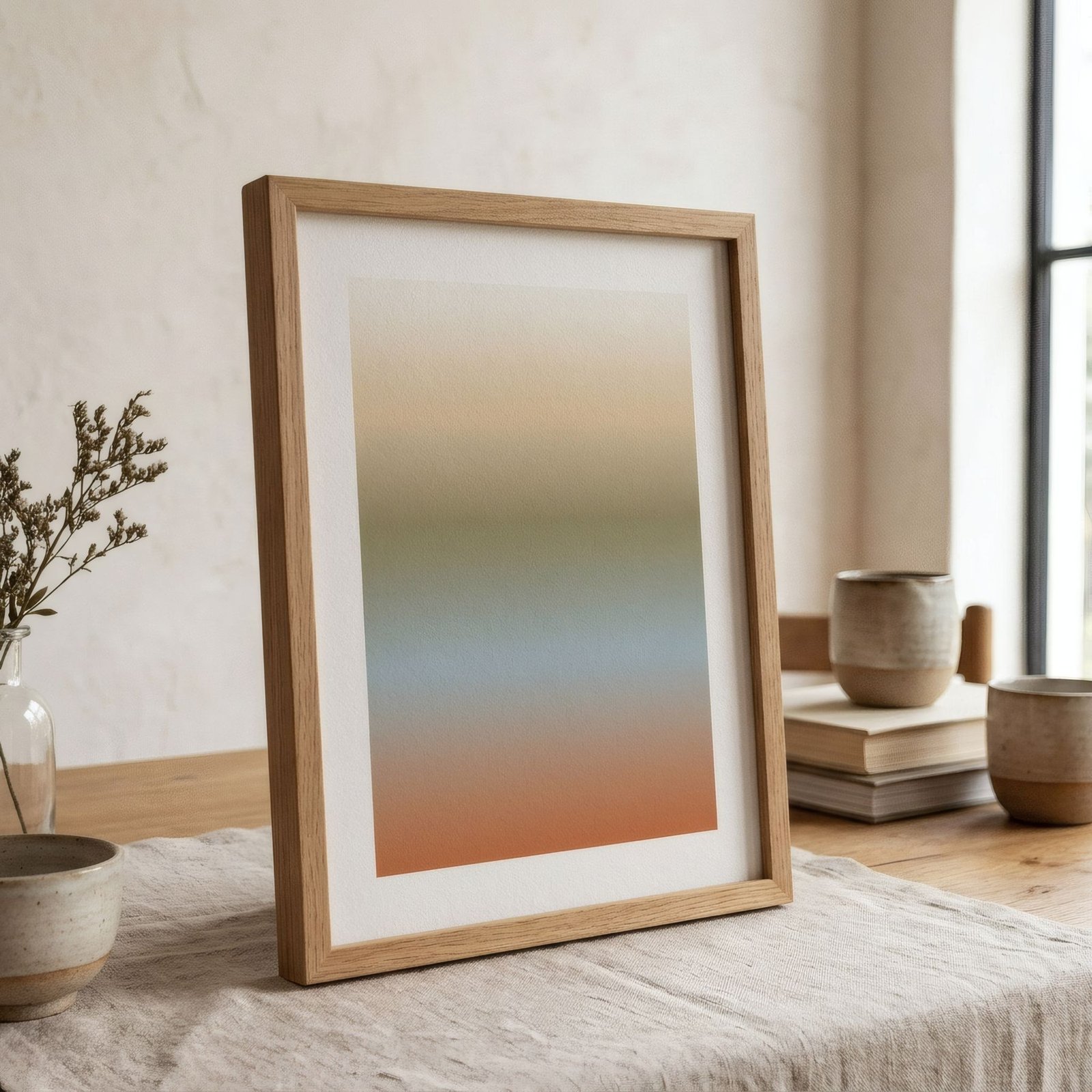
An image can look perfect on a phone screen and then, printed large, come out blurry, with stepped edges or little squares. That is not the printer’s fault but the resolution’s: the image does not hold enough information for the size it was printed at. Understanding resolution is useful whether you want to print your own photograph or simply want to know why one print looks crisp and another does not. The key idea is simple: the resolution you need depends on print size and on how far away the work will be seen.
Pixels: the raw material
A digital image is made of pixels, tiny squares of colour arranged in a grid. Its size is given in pixels wide by pixels high, for example 4000 × 6000. The more pixels an image has, the more information it holds and the larger it can be printed while staying sharp.
On screen, a relatively small image can look excellent, because screens do not need much information. On paper, especially at larger sizes, the difference becomes obvious.
PPI: pixels per inch
To relate pixels to printed size, we use pixels per inch (PPI): how many of the image’s pixels fit into each inch (2.54 cm) of paper.
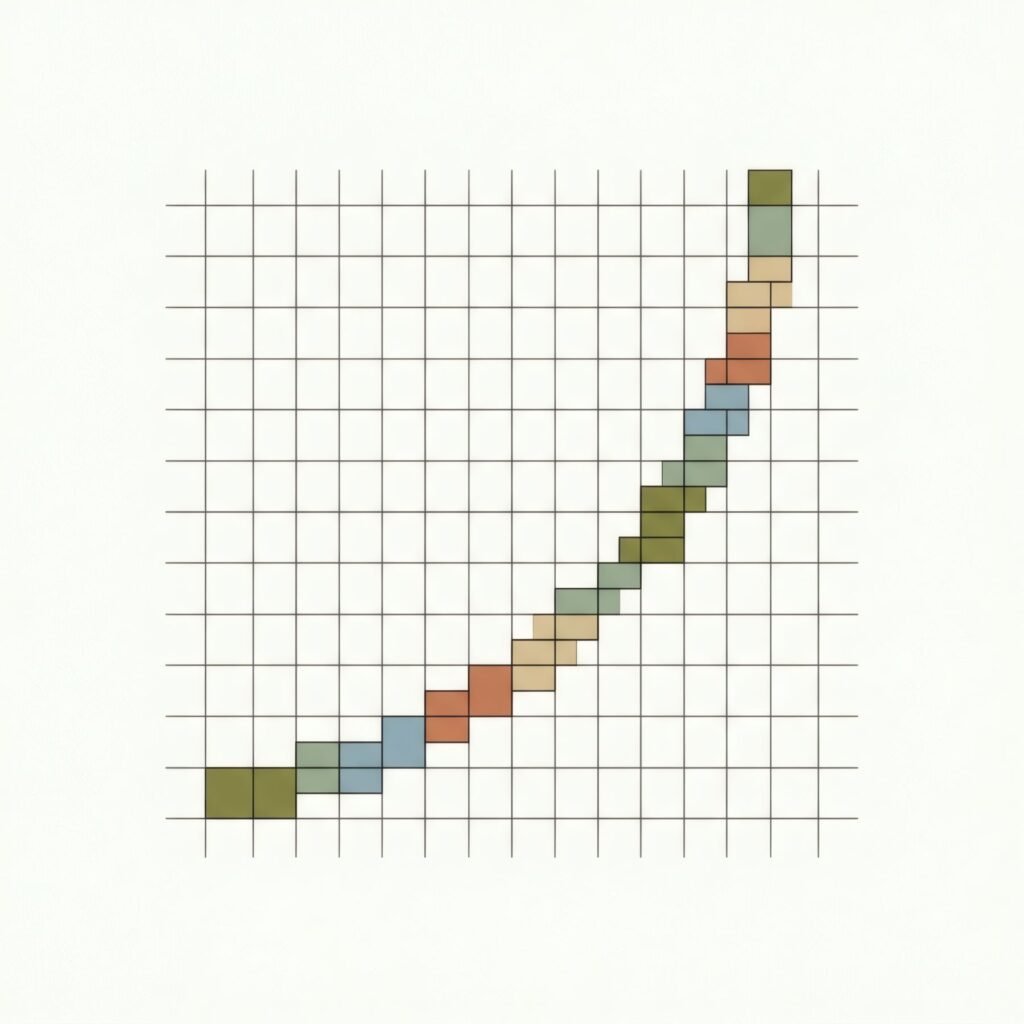
You will often also see DPI, dots per inch, which strictly refers to the ink dots a printer lays down, which is something different. In everyday use the two terms get mixed up, but what matters for judging whether an image has enough resolution is its pixels per inch.
The 300 PPI benchmark
In quality printing, a widely used benchmark is about 300 pixels per inch for work that will be seen up close, such as a small or medium print viewed from less than a metre away. At that density the human eye can hardly distinguish individual pixels.
To work out how many pixels you need, convert the size to inches and multiply by the resolution. For example:
| Size | At 300 PPI | At 200 PPI |
|---|---|---|
| A4 (21 × 29.7 cm) | 2480 × 3508 px | 1654 × 2339 px |
| A3 (29.7 × 42 cm) | 3508 × 4961 px | 2339 × 3307 px |
| 50 × 70 cm | 5906 × 8268 px | 3937 × 5512 px |
Viewing distance changes the sums
Here is the nuance often forgotten. The further away an image is viewed, the less resolution it needs to look sharp. A large print seen from the sofa, two or three metres off, does not need the same pixel density as a small one viewed close up.
So at large sizes, 150 to 200 PPI usually gives very good results, especially if the image has no very fine detail. Billboards, seen from far away, are printed at much lower resolutions and look perfectly fine from the road.
If you know a work will also be seen up close, though, even when large, as many prints in hallways or above a desk are, it is worth aiming nearer 300 PPI.
What cannot be invented
A common question is whether a small image can have its resolution increased to print larger. Technically, pixels can be added through upscaling or interpolation, and some tools now do it with surprising results. But the software does not recover detail that was never in the original; it estimates or invents it. With very simple images, such as flat shapes, the result can be good. With detailed photographs or reproductions of artworks, you may see artificial sharpness or details that never existed.
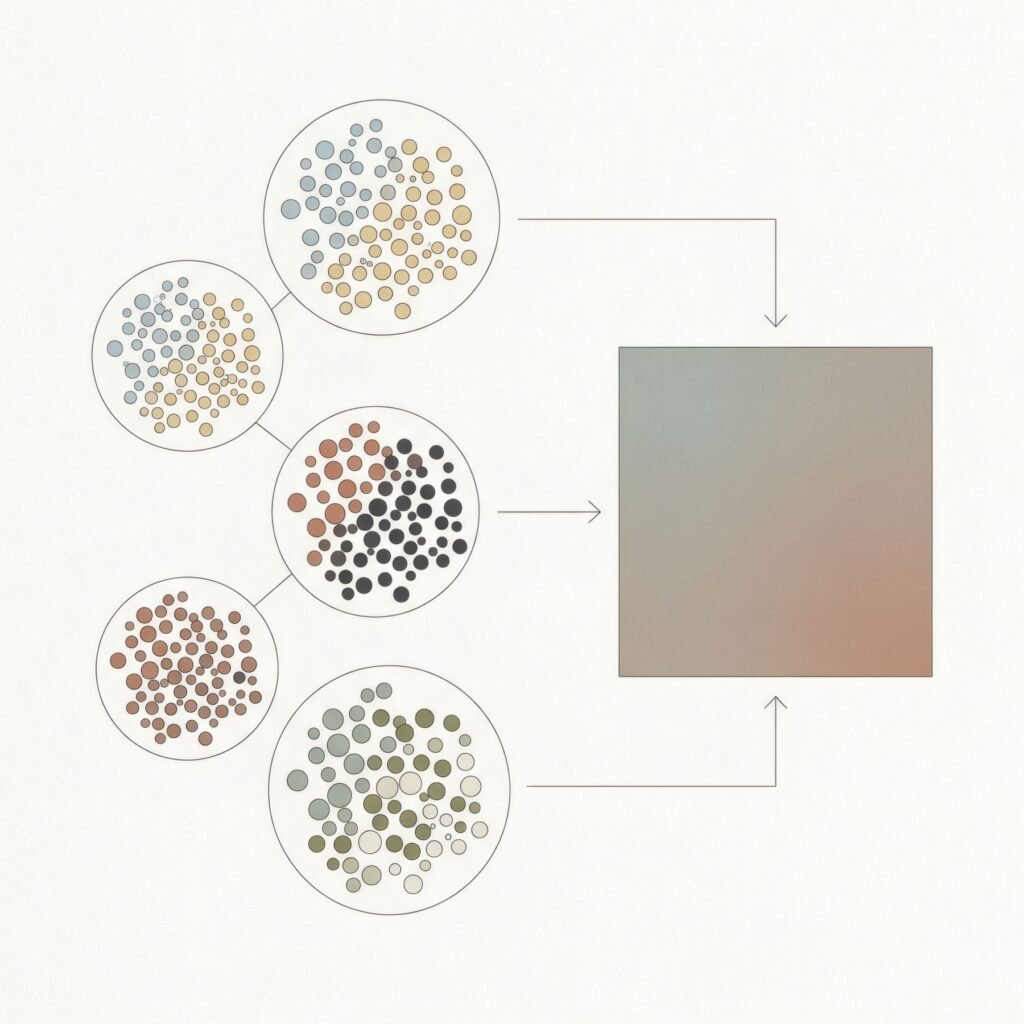
That is why fine art printing works, wherever possible, from high-resolution source files prepared from the start for the final size.
Checking an image
To check one of your own images, divide its pixel dimensions by your target resolution (300 or 200 PPI) and multiply by 2.54 for the maximum size in centimetres. An image of 3000 × 4000 pixels, for instance, prints up to roughly 25 × 34 cm (10 × 13 in) at 300 PPI, or about 38 × 51 cm (15 × 20 in) at 200 PPI.
When buying a print, crisp detail without stepped edges or blurred patches is one of the signs that the source file was prepared carefully. We discuss those signs in what makes a high-quality art print?.
Resolution in service of looking
Resolution is not a magic number but a relationship between image, size and viewing distance. Knowing it helps you print better and understand why some prints look flawless up close while others only work from afar.
At Bendíra we prepare each print’s file for the exact size it is printed at, so it keeps its sharpness at both small and large sizes.
Keep reading: Figurative vs Abstract Art: How They Differ, RGB vs CMYK for Art Prints and How to Choose the Right Art Print Size.