
It is a common experience. You see a beautiful colour on screen, an electric blue, an intense green, an orange that almost glows, and when it is printed the result comes out duller. The printer has not failed. Screens and paper produce colour in completely different ways, and some colours a screen can show simply cannot be reproduced in ink. Behind that difference lie two acronyms that turn up constantly in design and printing: RGB and CMYK. Understanding what they mean, and the role of colour profiles, helps you know what to expect from a print and why it will never be identical to what you see on a screen.
RGB: the colour of light
RGB stands for red, green and blue. It is the system used by screens: monitors, phones, tablets, televisions. Each pixel emits light in those three colours, and mixing them at different intensities produces all the others. With all three at full strength the result is white; with none, black.
It is called an additive system because colour is built by adding light. And because a screen emits its own light, it can show very bright, saturated colours, some of which do not exist in the world of pigments.
CMYK: the colour of ink
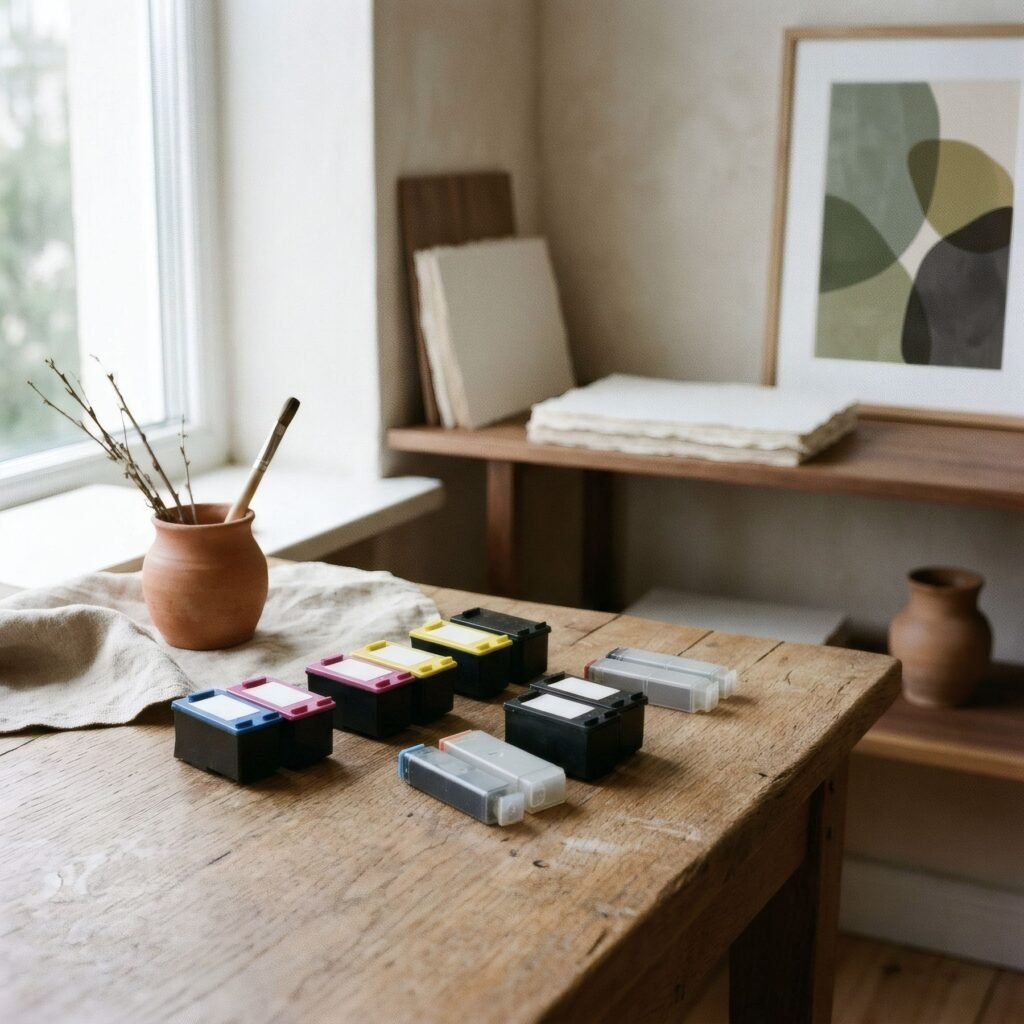
CMYK stands for cyan, magenta, yellow and key (black). It is the system traditionally used in printing, especially commercial print. Inks are laid onto paper and absorb part of the light that falls on them, reflecting the rest. Mixing cyan, magenta and yellow produces other colours; black is added for deeper darks and crisp text.
It is called a subtractive system because each ink takes away part of the light. And because paper does not emit light but reflects what reaches it, printed colours depend on the lighting in the room.
Colour gamut
Every system, screen and combination of printer, ink and paper can reproduce a certain range of colours, called its gamut. Gamuts do not fully overlap. In general, screens can show some very bright colours, especially certain greens, blues and intense oranges, that fall outside what ink can reproduce. When printed, those colours are replaced by the nearest possible ones, usually a little duller.

Paper is not always at a disadvantage: some combinations of inks and papers can reproduce nuances certain screens do not show well. But as a rule, the most visible difference lies in highly saturated colours.
An important nuance for art printing
It is worth correcting a widespread idea: that anything to be printed must be converted to CMYK. That is true for much commercial printing, such as magazines, catalogues and leaflets, where files are prepared in CMYK for the printing plates.
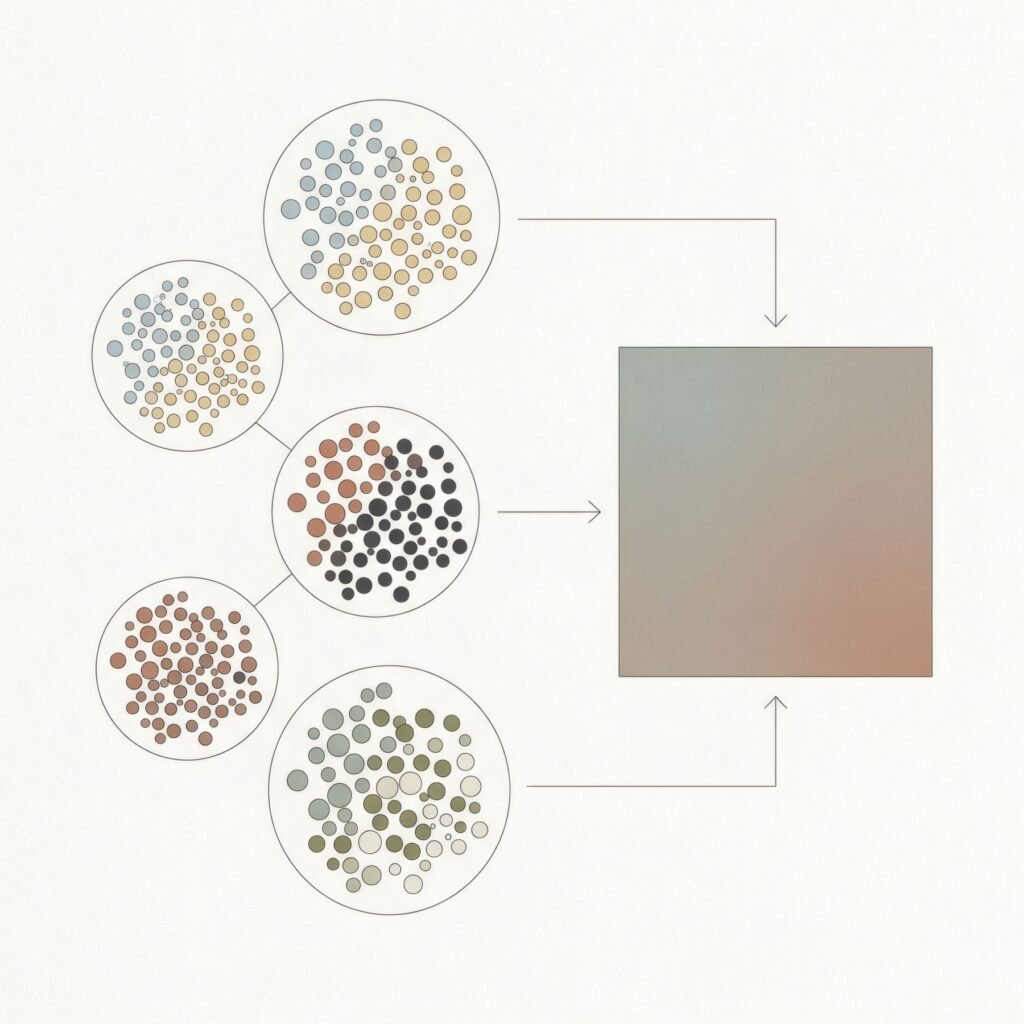
But many inkjet printers used for fine art work differently. They often use more than four inks, adding colours such as light cyan, light magenta, greys and others, and in many workflows they receive the image in RGB, with the printing system deciding through colour profiles how to combine all its inks. Converting the image to CMYK first could, in those cases, needlessly narrow the range of colours.
In other words, the right conversion depends on the type of printing. What matters is less the acronym than good colour management.
Colour profiles
Colour management is the set of tools that helps an image look as similar as possible across devices. At its centre are colour profiles, known as ICC profiles: files describing how each device reproduces colour, whether a screen or a specific combination of printer, ink and paper.
With a calibrated monitor and the right profile for each paper, you can even simulate on screen how a print will look, a process called soft proofing. That lets you anticipate which colours will shift and adjust the image before printing.
What to expect from a print
For anyone buying a print, all of this comes down to one simple idea: printed colour will never be identical to the screen where you saw the image. Your own screen, its brightness and calibration, strongly affects what you saw; and the paper, in your home, will depend on the room’s light. A small difference is normal. We explain more in from screen to paper: why images feel different.

What is reasonable to expect from a good print is that its colours are consistent with one another, its greys neutral, and the whole faithful to the character of the work.
Two ways of making colour
RGB and CMYK are, at heart, two ways of building colour: one with light, the other with ink. Knowing the difference helps explain why an image changes as it moves onto paper, and why colour management is such an important, and invisible, part of the printer’s craft.
Bendíra’s product pages show photographed prints but, like any image on a screen, the colour may differ slightly from the printed print depending on your device.
Keep reading: Image Resolution for Art Prints: What You Need to Know, Paper Weight Explained for Art Prints and How Digital Fine Art Printing Works.